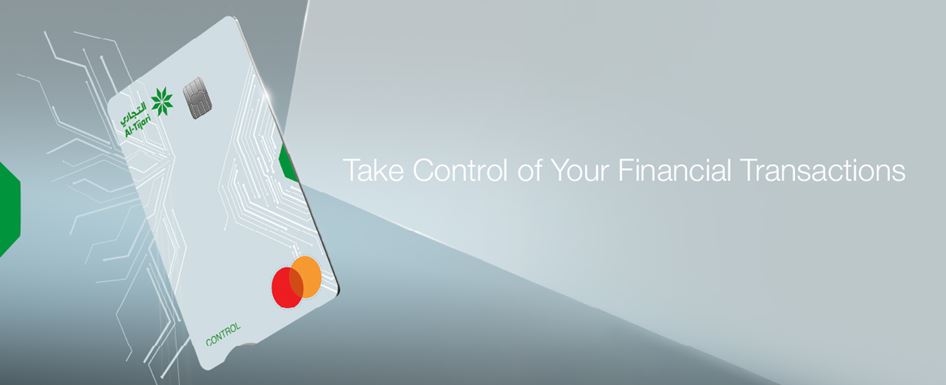
Control Account has been designed to facilitate payments in government's entities and manage the expenses locally and internationally in addition to the cash withdrawal transactions through different channels. A Debit Card will be issued that enables the customer to control the different channels easily through the mobile application or CBK Online.
Who is it for?
- Retail Banking Customers
- Corporate Banking Customers
Account Control Features:
- Point of Sale
- ATM Cash Withdrawal
- Tap it (NFC)
- Government Payments
- International Payments
- Online Payment Gateway
How to issue an Control Account card:
1. Log into your CBK Mobile App.
2. Click on Account.
3. Select the Account you want link your Control Account to.
4. Click on Issue Control Card.
5. Fill the required fields and Submit.
Customize Your Daily Card Limits :
You can now customize your daily card limits and number of transactions by payment channel, giving you greater control over how and where your card is used
- Cash Withdrawal
- POS Purchases
- Secure Purchases on KNET Gateway
- Secure Purchases on Other Online Gateways
- Unauthenticated Purchases on Other Online Gateways
How to Amend Your Limits?
CBK Mobile App:
1- Log in to CBK Mobile App.
2- Tap on Cards.
3- Select your card.
4- Tap on Amend Limit
Internet Banking:
1- Log in to Internet Banking
2- Go to the Cards section.
3- Click Manage.
4- Select Amend Limit.
*Terms and conditions apply
- Maximum Digital Increase: The maximum allowed increase via digital channels is double the limits set by the Bank. To increase the limits beyond this threshold, customers must visit the nearest CBK branch
- Secure Purchases: Transactions processed using OTP verification or 3D Secure authentication
- Unauthenticated Purchases: Transactions processed without OTP or 3D Secure verification
- Cash Withdrawal Limit Update: Any amendment to cash withdrawal limits will be applied on the next business day
- Card Issuance Fee: KD 15
- Annual Fees: KD 15
Terms and Conditions Apply.


 Online Banking
 Al-Tijari Financial Brokerage